
If you’ve ever wondered whether you’re using the right AI tool, whether you’re breaking something by updating an old post, or whether AI is quietly making your local business invisible in search, you’re not alone.
This week’s Wealthy Affiliate WAbinar ran as an open “Ask the Expert” session, and members brought exactly these kinds of real, specific questions. I’m covering all of them here, with magistudios’s actual answers explained in full, not just teased.
TL;DR: What This Session Was About
Instead of one demo topic, this week’s WAbinar opened the floor to 5 AI Questions Everyone Is Asking about AI, tool choice, content updates, image generation, and AI’s growing role in search. Five questions came up that are worth a real answer, not a summary. Here they are, one at a time.
1: How Do You Decide Which AI Tool to Actually Use?

This came from Sonya, and it’s a question I hear constantly. Between ChatGPT, Claude, Gemini, and Grok, it’s easy to feel like you’re supposed to be using all of them at once, and like there’s always another tool you’re missing out on.
magistudios’s answer was refreshingly direct. He used to bounce between multiple AI chatbots and found it made his work feel fragmented instead of efficient, on top of the cost of running several paid subscriptions at once. His fix was to fully commit to one main tool, Claude, and stop splitting his workflow across others.
His reasoning for picking Claude specifically came down to two things. First, he can connect other tools and accounts directly to it and have it write content, generate images, and publish to a website all within a single conversation. Second, he found the tone of other AI tools too much like an overly enthusiastic hype machine, whereas Claude tends to give him direct answers instead of constant cheerleading.
The bigger takeaway isn’t “use Claude specifically.” It’s this: pick one primary AI tool, learn it deeply, and train it to understand your business, instead of spreading shallow effort across several tools that don’t talk to each other.
2: What Does “AI Agent” Actually Mean?
Sonya’s follow-up question was about AI agents specifically, since that term gets thrown around constantly and often sounds more complicated than it is.
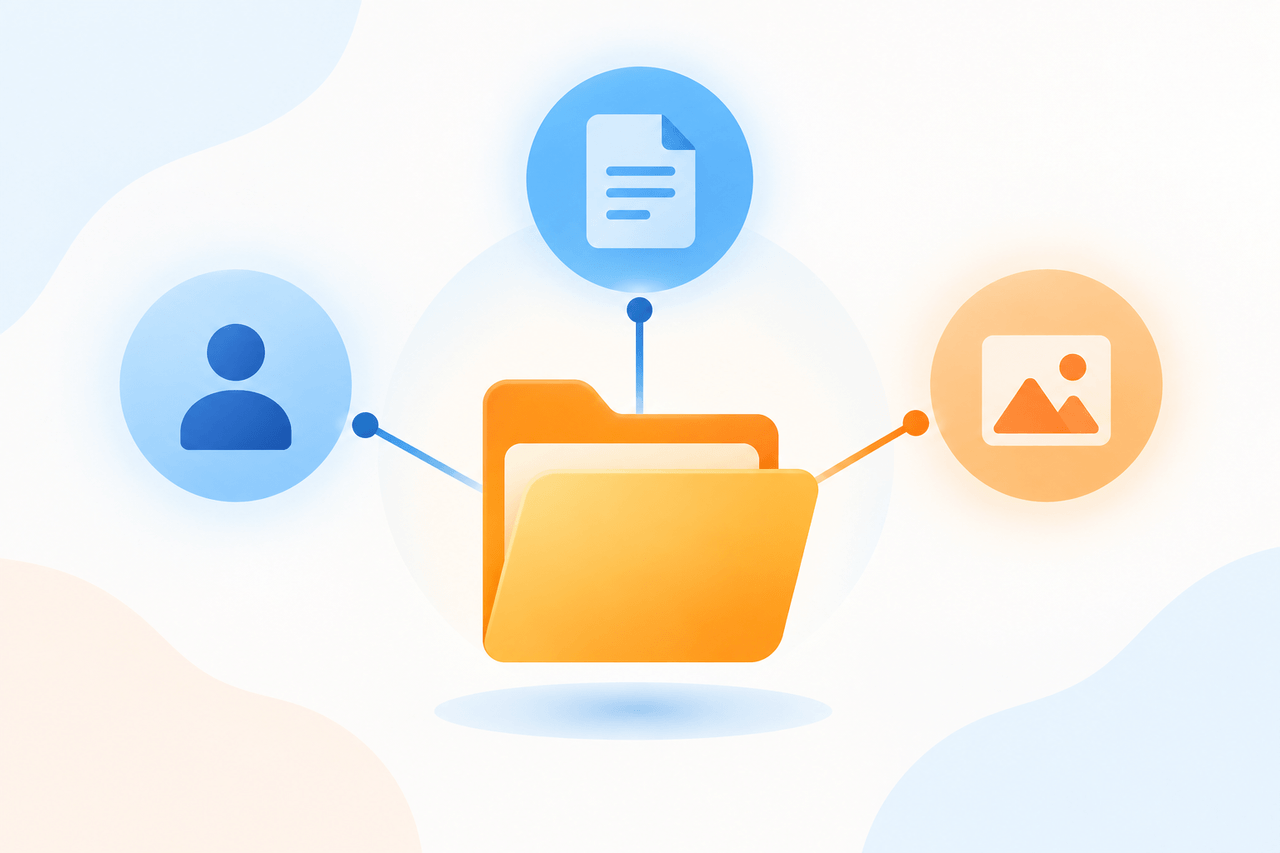
magistudios’s explanation was almost anticlimactic in the best way. In his own workflow, an AI agent is essentially a project folder. When you work inside a project rather than a single one-off chat, every conversation in that folder can reference the others. That’s what gives it the appearance of memory and autonomy, it’s not a mysterious standalone robot, it’s contextual continuity within a structured folder.
He demonstrated this live using a content project he’s built around a specific topic cluster. Because his AI connections include access to his Search Console and keyword data, he was able to ask a simple question inside that project, what other articles should we create, and get back a real answer: a gap analysis showing how many articles the cluster still needed, plus ten ranked keyword ideas pulled from actual search data, not guesses.
That’s the practical definition worth remembering. An AI agent isn’t magic, it’s organization plus memory plus the right data connected to it.
3: How Do You Update Old Posts Without Over-Optimizing Them?
This question came from Abner Dean, who’s been following an SEO recovery process step by step, improving content, images, and internal links on older posts that Google has crawled but not indexed, and wanted to know how to do that with AI without going too far.
magistudios’s answer reframed the whole question. The real risk isn’t over-editing a page, it’s editing a page that doesn’t need it. If a post is already getting solid traffic from sources other than search, social shares, direct visits, referral links, then it’s already working. In that case, the priority isn’t more content changes, it’s building more internal links pointing at that page and driving additional traffic to it from outside sources. You can still safely update the meta title and meta description, but the permalink should never change.
For a post that genuinely is underperforming, his advice was to keep it simple: rewrite the intro to better match what someone searching that topic actually wants, add or improve image alt text, and add genuinely relevant internal and external links.
Real over-optimization, in his view, looks like keyword stuffing or spammy link building, not thoughtful, standard content improvements.
4: Can AI Actually Design a Full Book Cover?
John’s question was more technical: he’d tried several AI image tools for book covers, but none of them could generate a complete cover with a front, back, and spine in one image, which is what platforms like Kindle Direct Publishing require.
magistudios’s take was that this isn’t a limitation of AI, it’s a training problem. Kindle Direct Publishing provides downloadable template specs with exact dimensions for the front, back, and spine. Uploading that template to your AI image tool and explicitly instructing it to follow that layout gives it the structure it needs to produce something usable, rather than trying to describe a full wraparound cover in a vague prompt.
His alternative suggestion was Canva, which already offers pre-made book cover templates and now has its own built-in AI generation tools. Connecting an AI tool like Claude or ChatGPT to Canva through an integration lets you describe what you want and have Canva’s design engine handle the layout constraints for you.
The underlying lesson applies well beyond book covers: when AI output isn’t matching a specific format requirement, the fix is usually giving it exact dimensions and structure to follow, not switching tools entirely.
5: What Should a Local Business Do About AI Answering Search Questions Directly?
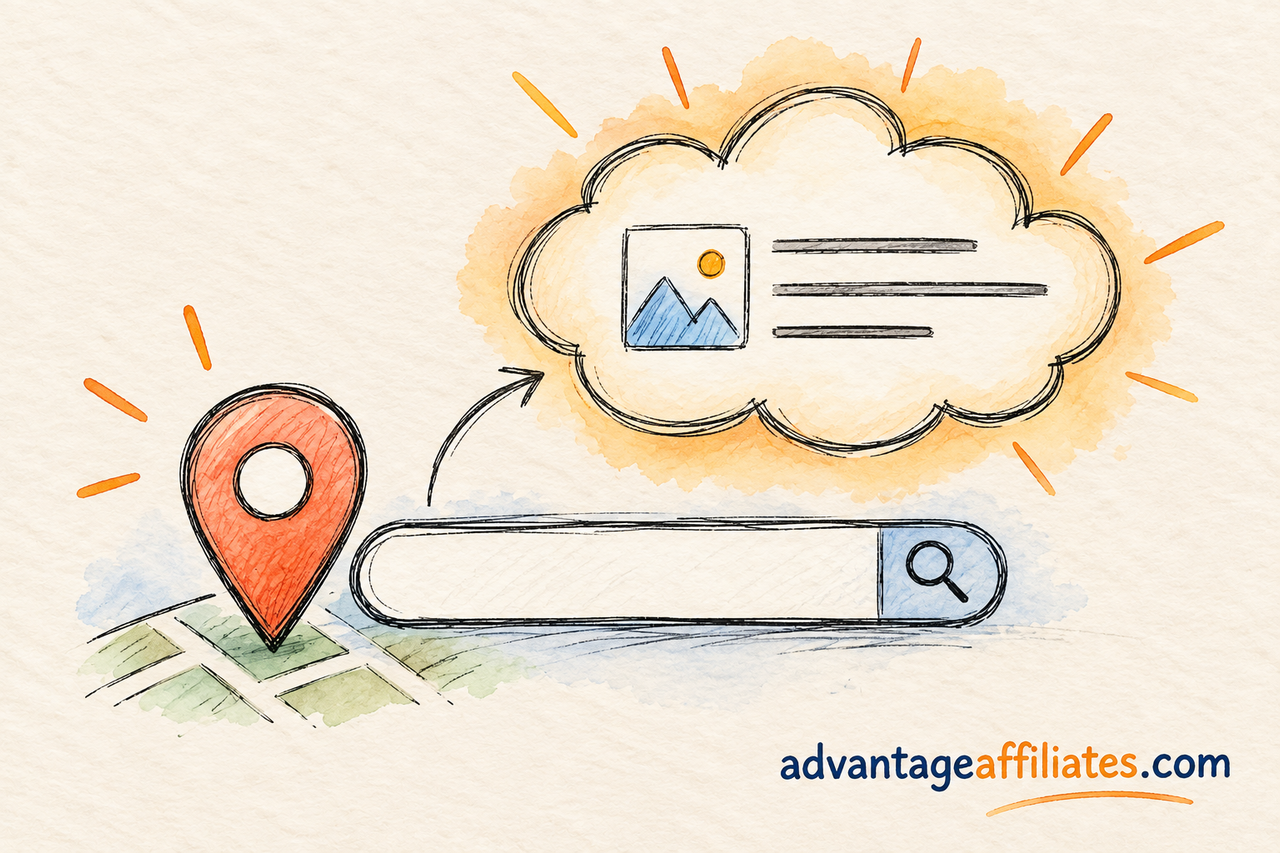
This last question came from me, actually. AI tools are increasingly answering local business questions directly inside search results and chat interfaces, sometimes without a single click ever reaching an actual business website. I wanted to know what a small business should realistically do about that.
magistudios’s answer focused on a very specific, doable research method. Search your target local query the normal way, then look at Google’s “People Also Ask” section, since those questions are frequently the same ones triggering AI-generated summaries. From there, check local community threads, like local subreddits, where people ask genuinely similar questions in their own words, along with the related searches and related services sections further down the results page.
Once you’ve gathered those real questions, the move is to feed them into your AI tool and ask it to build content specifically designed to answer them clearly and directly, since that clarity is what tends to get pulled into AI-generated summaries in the first place. It’s less about chasing a single keyword and more about directly answering the actual questions real people, and by extension, AI systems, are asking.
What I’d Actually Try From This
Two things from this session are going straight into my own workflow. First, doing a quick traffic-source check before deciding whether an old post needs a content rewrite or just more internal links, that one habit alone reframes what “updating a post” should even mean.
Second, actually pulling “People Also Ask” questions and local community threads before writing new content, instead of guessing at what people want to know.
Recommended Read: MCP Servers: Powerful Ways to Transform Your AI Workflow
FAQ
Should I use multiple AI tools or just one?
According to this session, committing to one primary AI tool you can train deeply tends to be more productive than splitting your workflow across several tools that can’t communicate with each other.
What is an AI agent, in practical terms?
It’s essentially a project or folder where every conversation can reference previous ones, giving it the appearance of memory. Combined with connections to real data sources, that’s what makes it feel autonomous.
Can you actually over-optimize a blog post? Yes, but it usually takes something extreme like keyword stuffing or spammy link building to cause real harm. Reasonable, standard improvements are very unlikely to hurt a page.
Is it safe to change a post’s meta title and description?
Yes, that’s considered a low-risk update. Just never change the permalink of an existing post.
How do I get AI to generate a full book cover with front, back, and spine?
Provide it with the exact template dimensions, such as the ones Kindle Direct Publishing offers, or use Canva’s built-in AI tools, which are designed around proper cover layouts.
How can I find out what questions AI search tools are answering for my local niche?
Search your target query, then check the “People Also Ask” section, related local community threads, and the related searches section of the results page. These are strong indicators of what’s driving AI-generated answers.
Conclusion
What stood out most about this session wasn’t any single tool or trick, it was how often the right answer was simpler than expected: pick one tool, understand what you’re actually building before you build it, and check whether something needs fixing before you fix it. If you want to bring your own AI questions to a live session like this one, come join Wealthy Affiliate and catch the next Ask the Expert AMA yourself.
See you there, Jivita

